
Redraw Part of Image
- Upload a photo.
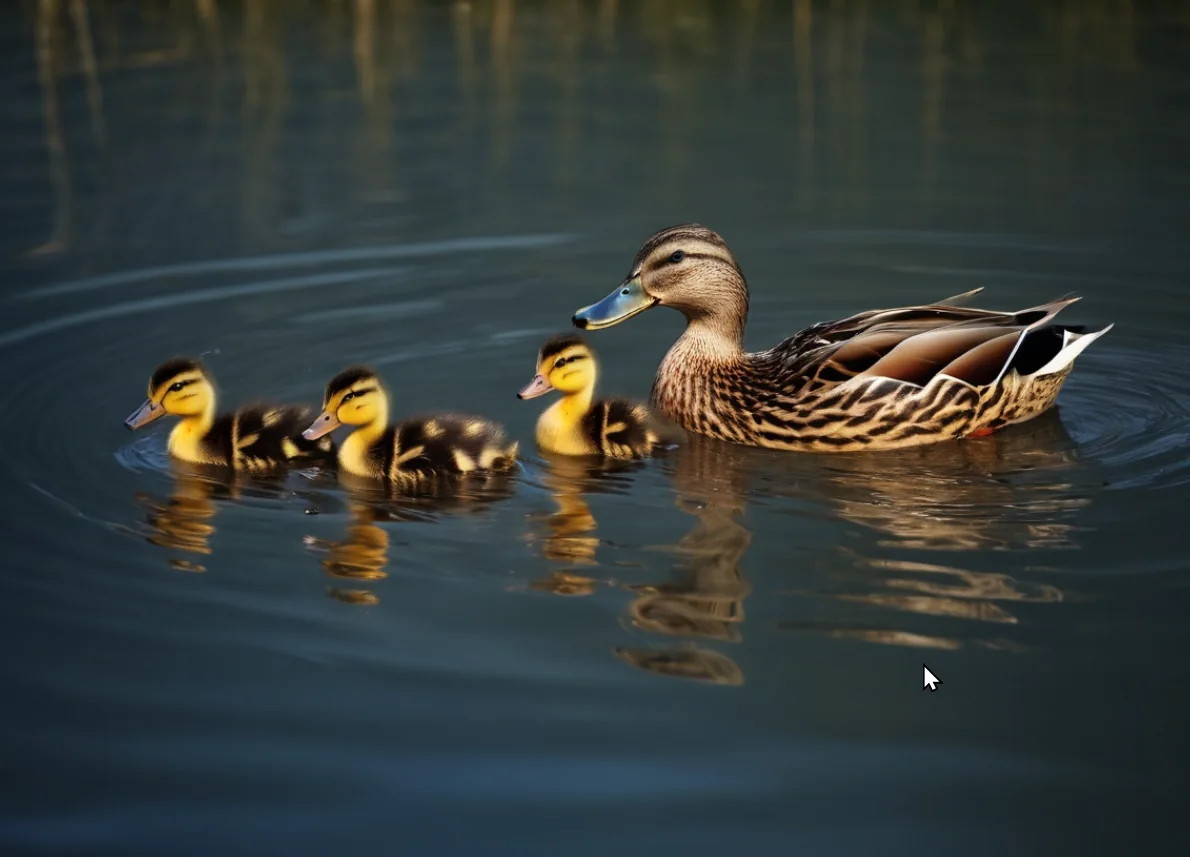
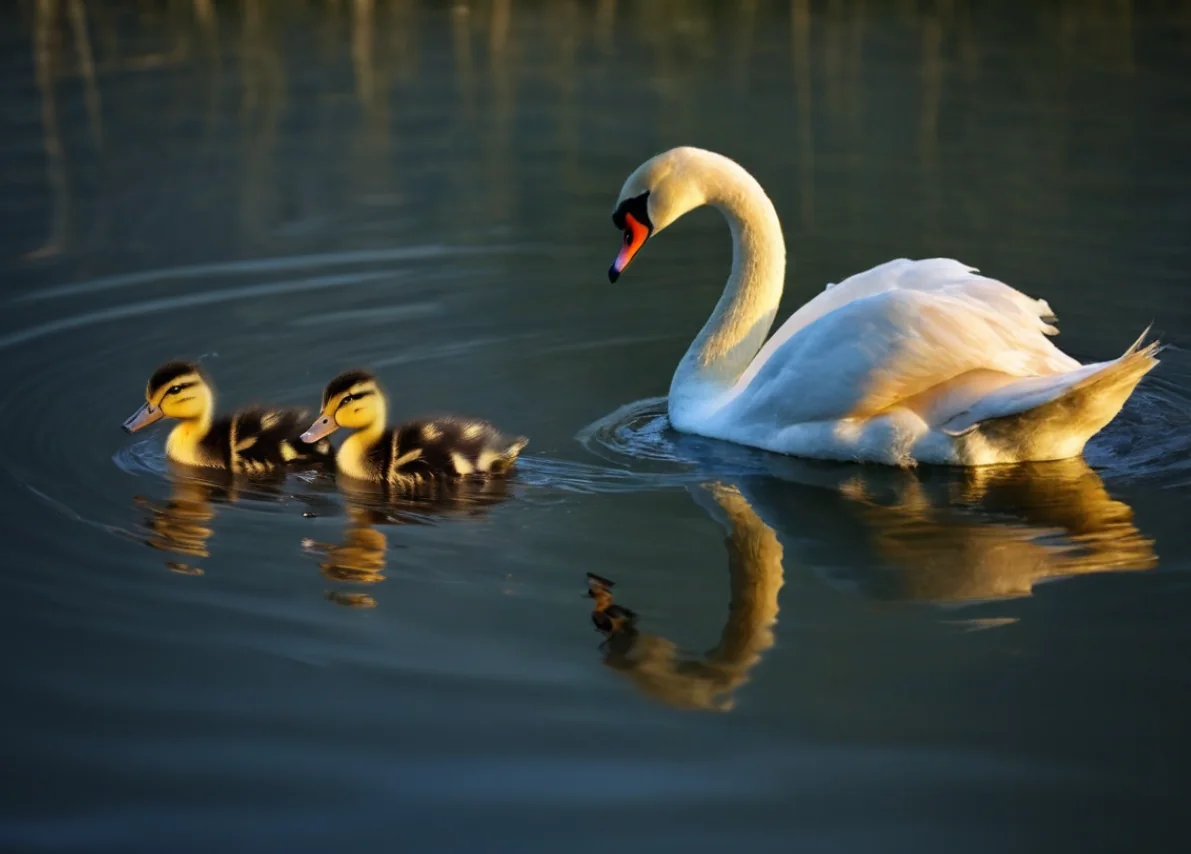
- Write in the prompt what you want to replace the object with. For example, there's a duck in the photo, I want to replace it with a swan. In the prompt I write "swan".
- The negative prompt can be left empty. Or write what should not be in the selected area.
- Choose the General XL model
- Select the object that needs to be replaced. It's better to select a larger area, so the AI will
be more comfortable to embed the new object.
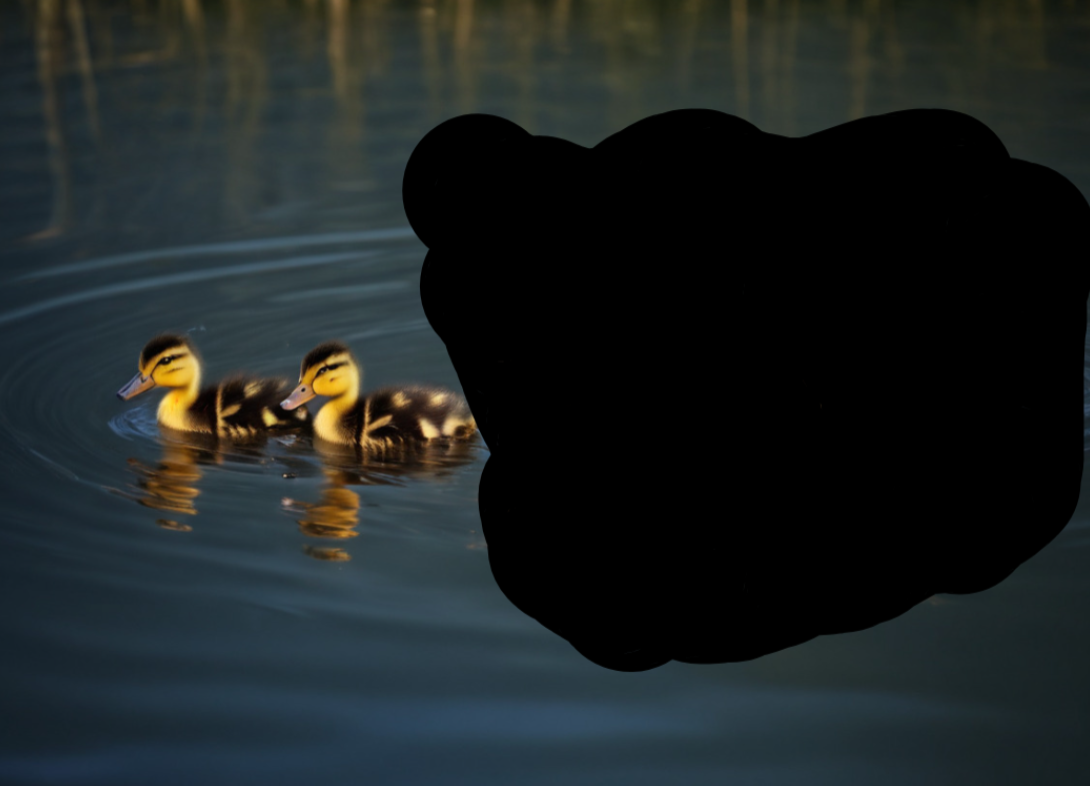
- Start the task. Click the Start button.
- Getting the result. If the generated image doesn't suit you, without refreshing the page, click
the Start button again.
ImageGPT Model
Practical guide to the ImageGPT model in Problembo with prompt templates, editing examples, and tips for precise, consistent image transformations.
Image training
Guide to training an AI image model in Problembo: photo requirements, preparation tips, upload workflow, and recommendations for better results.