
Face Swap
Step-by-step instructions for the Problembo Face Swap service: prepare source images, choose the right face, and get more realistic results.
⚠️ The face swap service is being discontinued: the website no longer accepts face swap tasks, and the API may be shut down after November 10, 2026. To swap a face using a reference photo, use the AI Photo Editor.
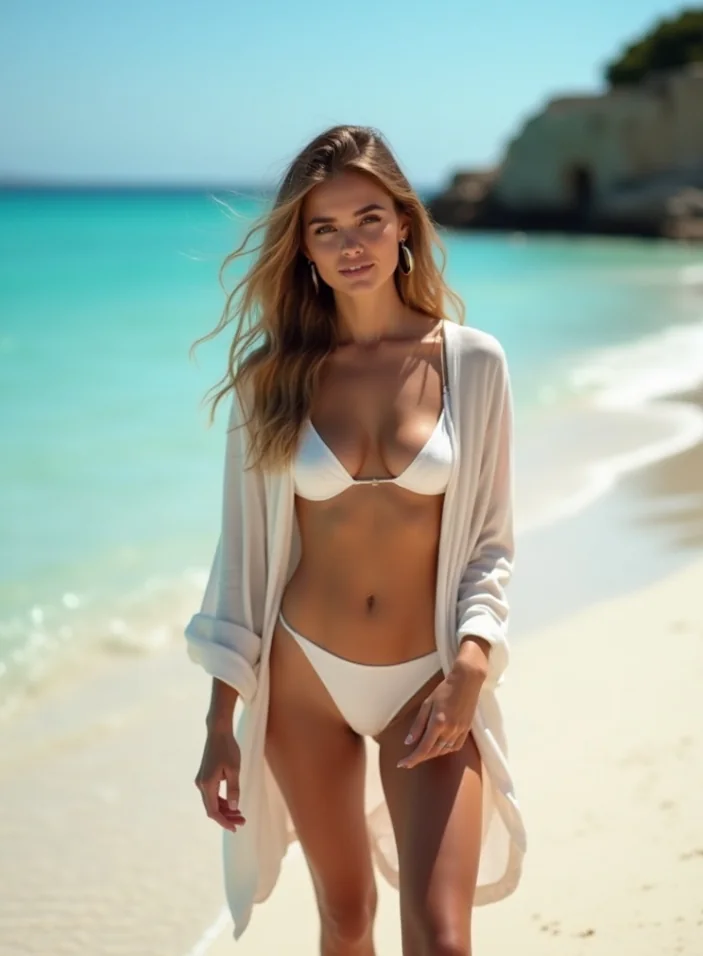
- Go to the Image Generator: https://problembo.com/ru/services/ai-image-generator
- Create an image with a face similar to the photograph (from which the face will be copied). To
make the final image more realistic, your source photograph and the image you generated should
be similar in terms of head angle, facial expression, hair and eye color, etc.
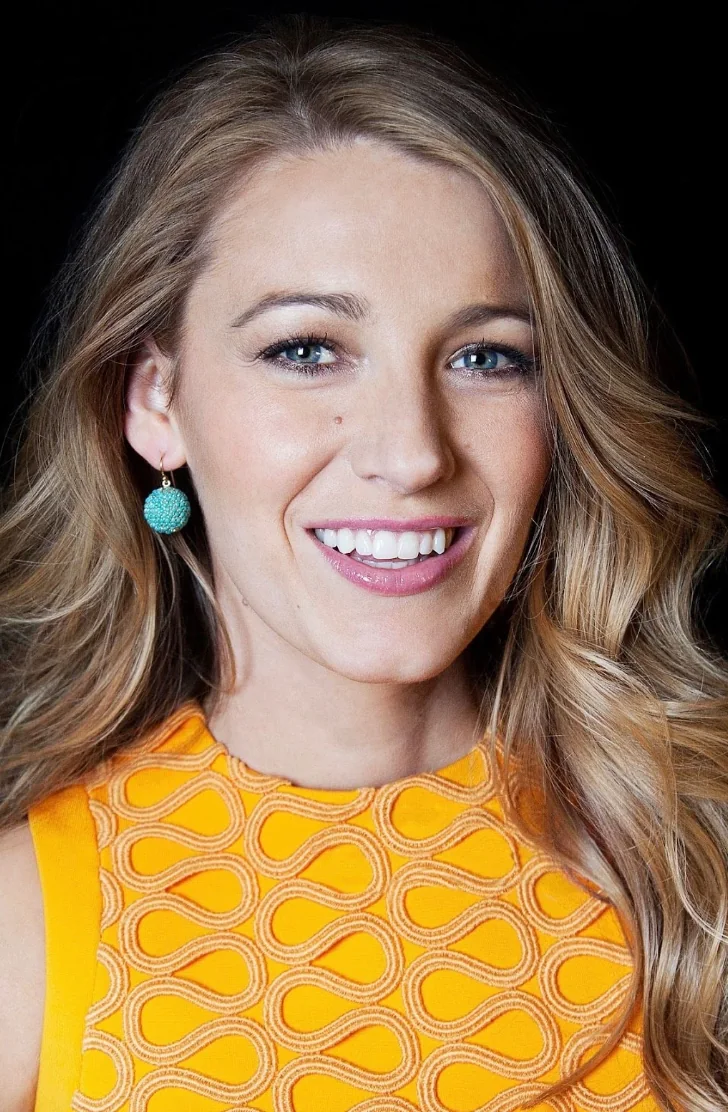
- Upload your photograph (or another person's photo, only with their consent) in good quality,
where the face is clear and close-up. Do not use photos where facial features are blurred or
edited, otherwise the final image won't be similar.
- If the image you generated contains multiple people, you must specify which person's face to replace, counting from left to right.
- Click Create Portrait.
Resulting image: 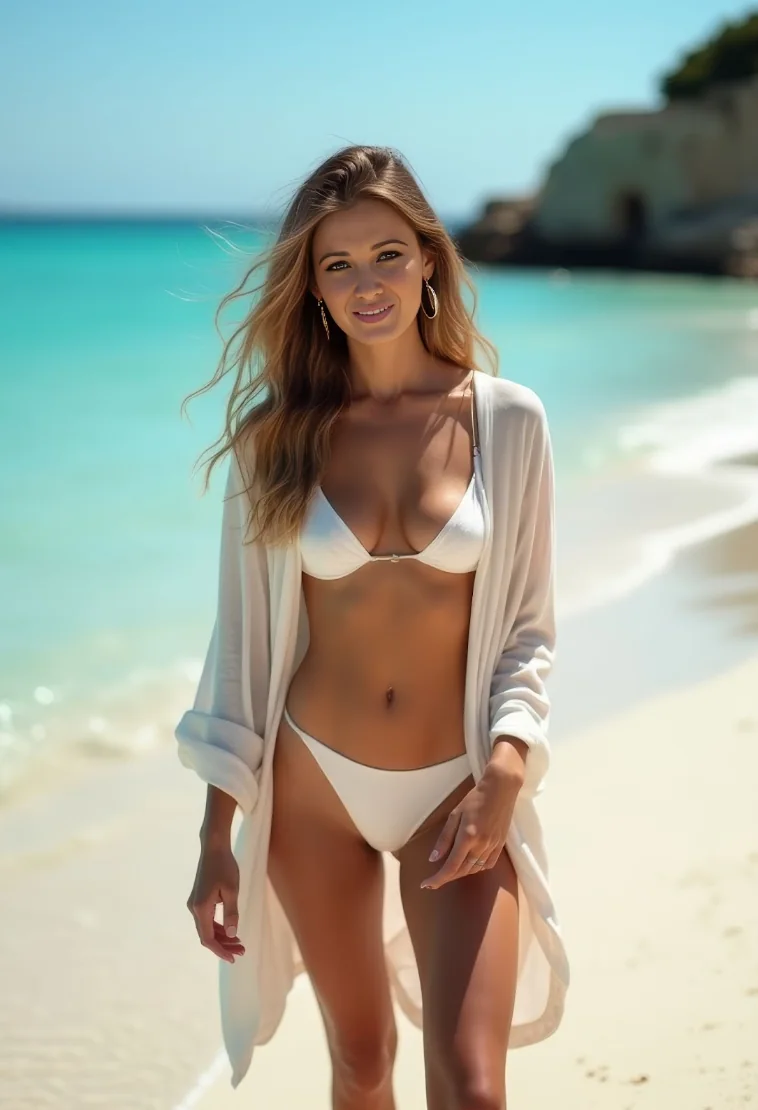
Image training
Guide to training an AI image model in Problembo: photo requirements, preparation tips, upload workflow, and recommendations for better results.
How to Create Anime Art with AI in Problembo
A practical guide to anime models, prompts, tags, negative prompts, aspect ratios, and consistent characters in Problembo.