
Image Extender
Extend images in any direction — no design skills required
About the service
AI image extender: expand a photo beyond its borders
Upload a photo and pick the sides to extend or a target aspect ratio. The AI image extender generates new background past the original edges that continues the scene, while the original part of the picture stays in place. Each run costs $0.05, and the price is shown before launch. You need to sign in to run it, and the free daily bonus can pay for it.
Before and after examples
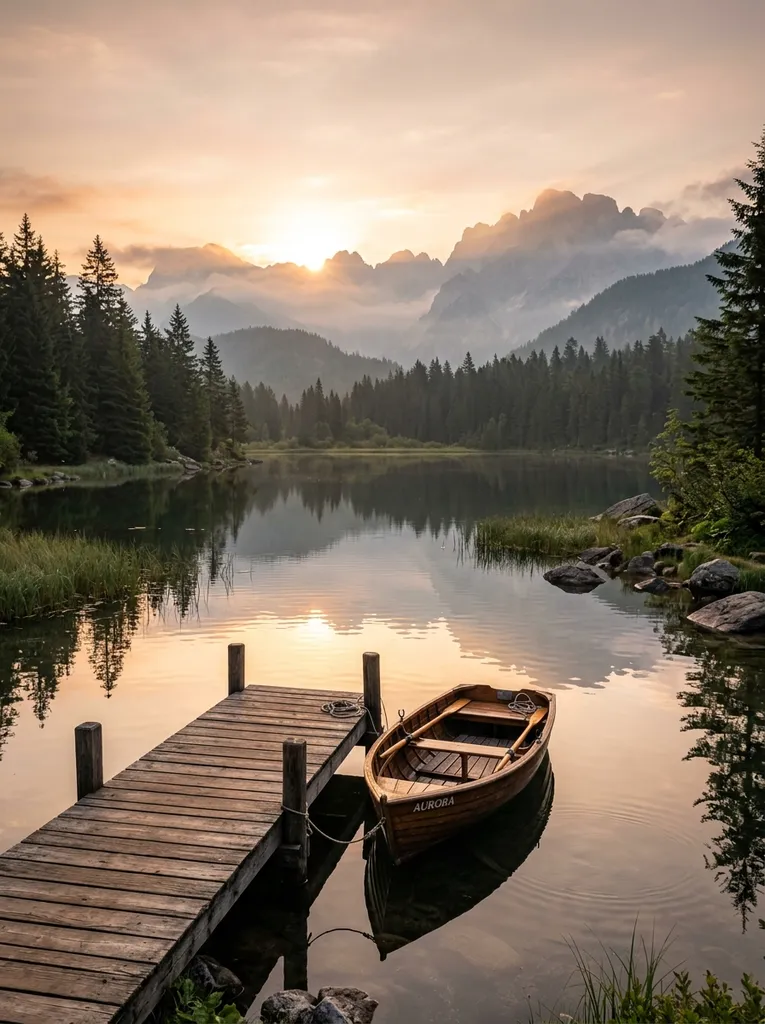 Before
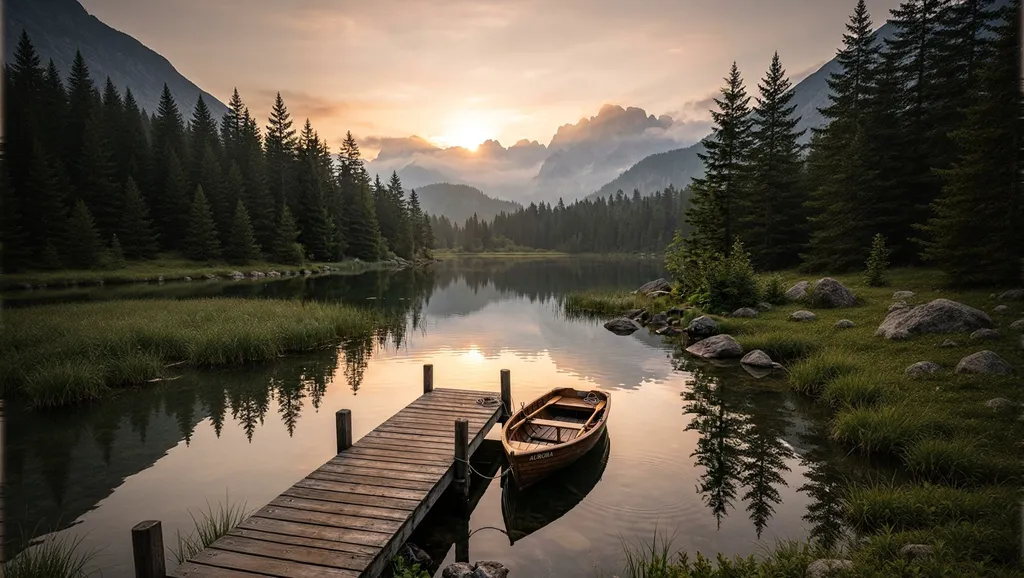 After
After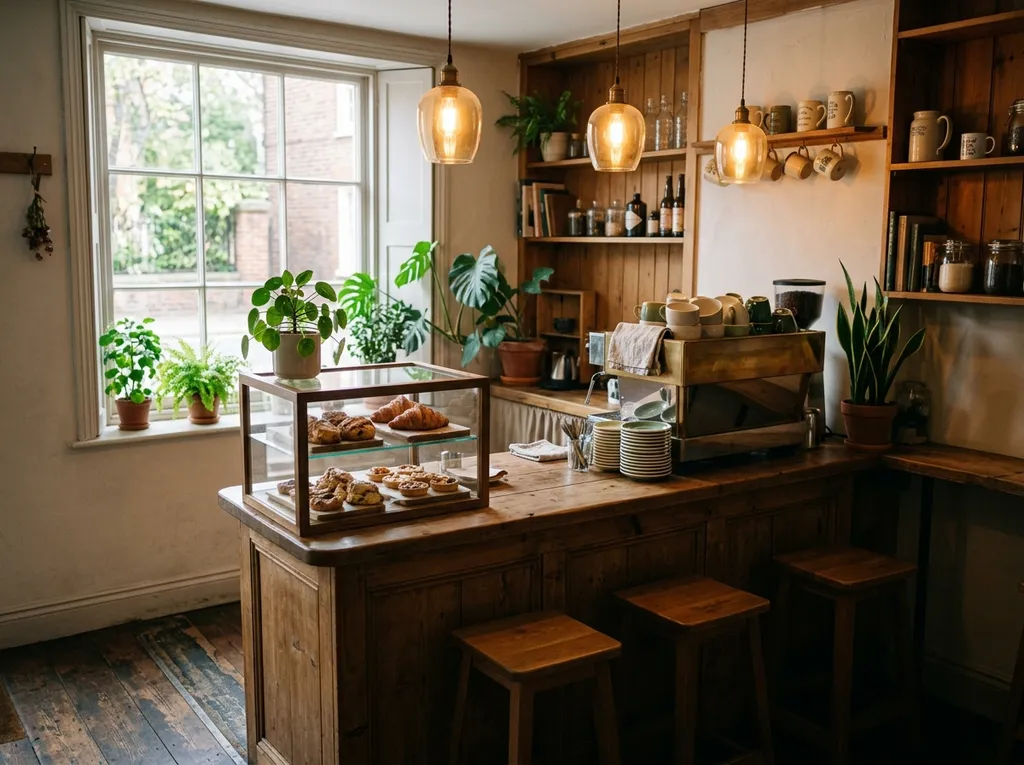 Before
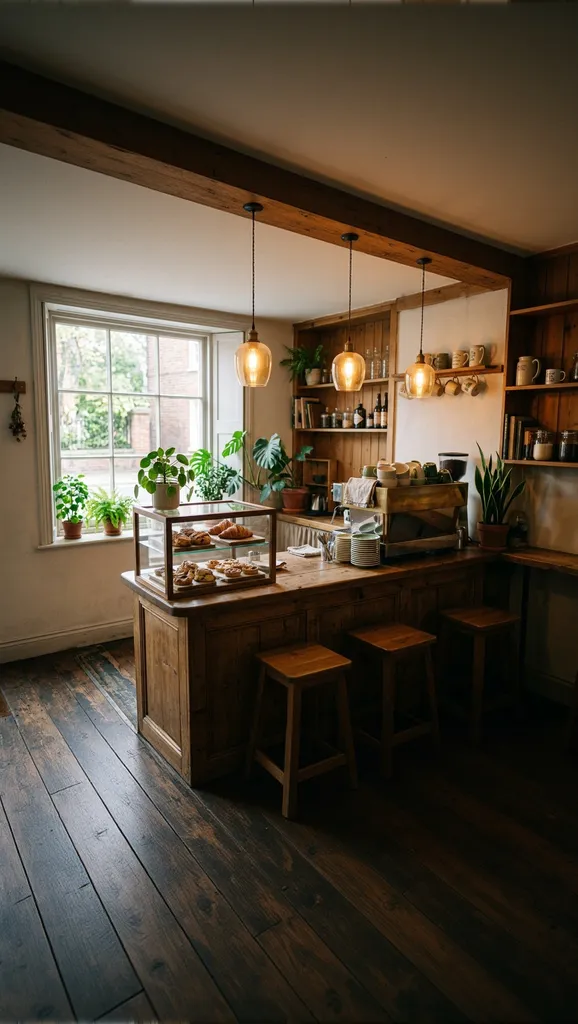 After
After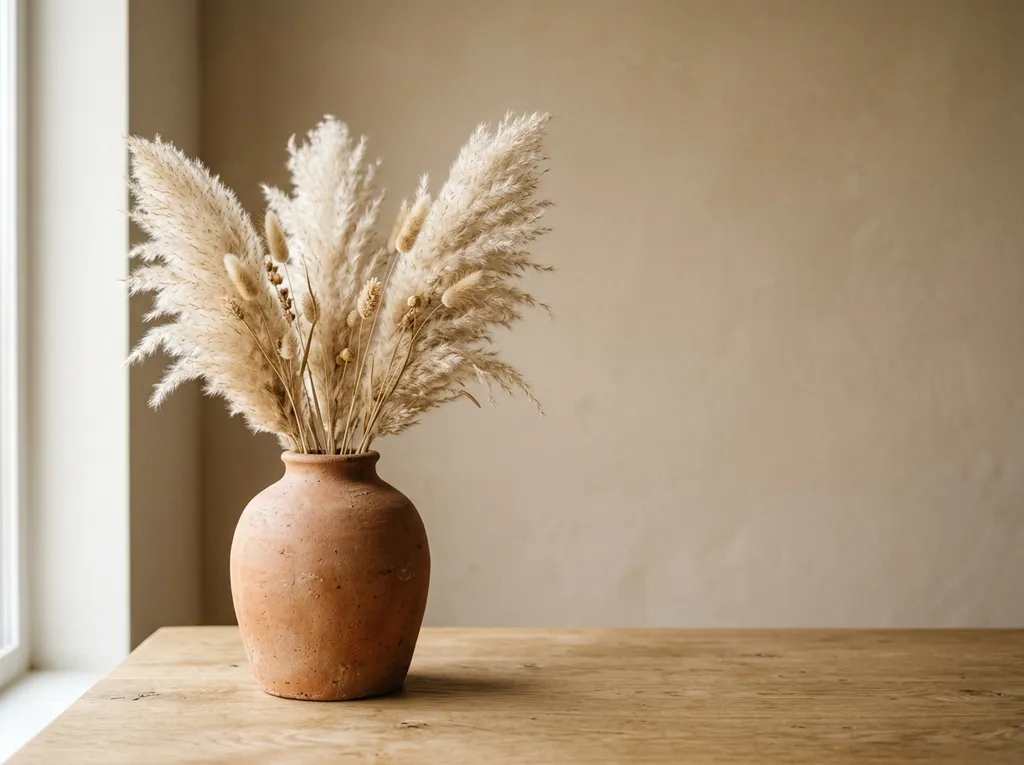 Before
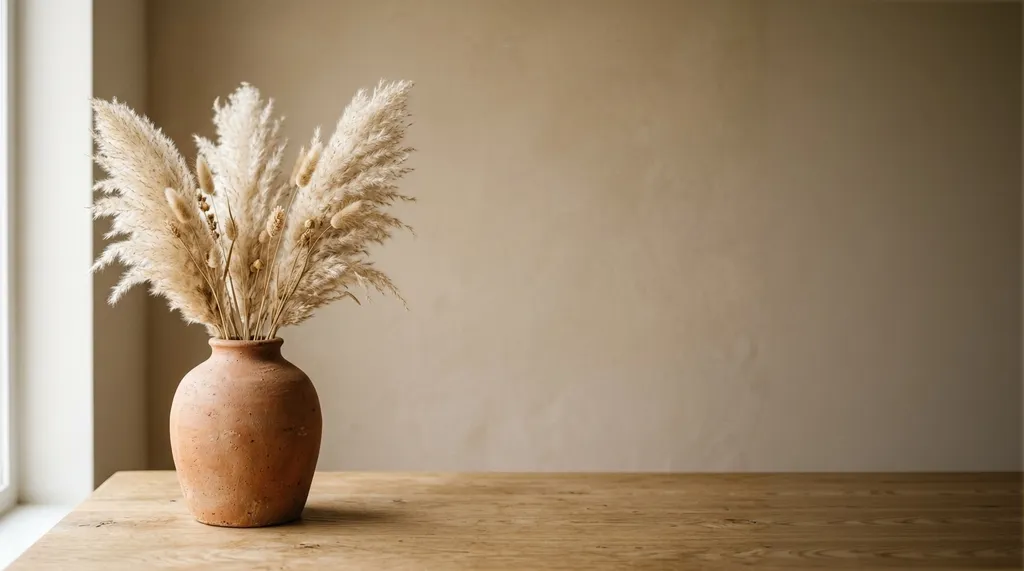 After
AfterHow to expand an image with AI
- Sign in and upload the image.
- Choose the sides to extend, a target aspect ratio, or both.
- Optionally describe what should appear in the new area.
- Check the price and start the run. Download the result; no watermark is added.
Choosing sides and aspect ratio
| What you choose | What happens | Good for | Price |
|---|---|---|---|
| Sides only | Each selected side grows by 25% of the original width or height | Adding some breathing room around the subject | $0.05 |
| Aspect ratio only | The canvas grows just enough to reach the ratio, split evenly between edges | Converting a photo to 16:9, 9:16, 1:1, 3:4 or 4:3 | $0.05 |
| Sides and aspect ratio | Only the selected sides grow until the ratio is reached | Leaving room for text or shifting the composition | $0.05 |
Supported aspect ratios are 1:1, 3:4, 4:3, 9:16, and 16:9. The extender never crops, so it grows the axis that is short: a 3:4 portrait becomes 16:9 by getting wider, a 4:3 landscape becomes 9:16 by getting taller. When you combine sides with a ratio, at least one selected side must be on that axis: for example, left or right to turn a portrait photo into 16:9.
Writing a prompt
The prompt is optional. Without it, the AI continues whatever it sees at the edges of the photo. To steer the result, describe what the new area should contain rather than what it should not. In our test, "an empty beige wall and an empty oak table" worked, while "no new objects" added a stack of books to the table. If you do not like the result, run it again or refine the prompt; each run is charged separately.
What people use an image extender for
- Banners and covers. Turn a portrait photo into a 16:9 frame for a website header, YouTube thumbnail, or slide.
- Stories and Reels. Extend a landscape photo up and down to 9:16.
- Room for text. Extend the background on one side to place a headline next to a product.
- Uncropping a tight shot. Add space around a subject that touches the edge of the frame.
To replace the background or change something inside the frame, use the AI photo editor. To remove an unwanted object, use the object remover. For more detail after extending, run the AI image upscaler.
Files and limits
- Each run takes one image and returns one result.
- Formats: JPG, JPEG, PNG, WebP, AVIF, HEIC, and HEIF, up to 15 MB.
- Width plus height must be between 256 and 18,000 pixels. Sides larger than 6,144 pixels are downscaled before processing.
- The prompt can be up to 5,000 characters.
- The new area is generated at about 1.3 megapixels and then fitted to the photo, so on large photos it can look softer than the original.
Uploaded files and results are stored for 3 days, or 30 days if your paid balance is at least $1. After that they are deleted automatically. See the privacy policy.
Pay for results, not a subscription
There is no subscription: each run has its own price, shown before launch. Image extension accepts the bonus balance, which can be restored up to $0.60 once per UTC day — enough for 12 extensions a day. Recent paying users receive it automatically; others claim it on the Daily bonus page. See pricing and bonus terms.
FAQ
Is the AI image extender free? Yes, within the daily bonus: $0.60 covers 12 extensions at $0.05 each. There is no unlimited free mode.
Do I need to sign up? Yes, to upload a photo and run the extension. You can see the price and examples without signing in.
Is there a watermark? No, results are downloaded without a watermark.
How much can I extend an image in one run? Without an aspect ratio, each selected side grows by 25%. With an aspect ratio, the canvas grows to that ratio; a 3:4 portrait extended to 16:9 becomes more than twice as wide. To go further, upload the result and extend it again.
Will the original part of the photo change? The AI generates only the new area and blends it with the original. Very large images are downscaled to 6,144 pixels on the longer side first.
Can I use the result commercially? Yes, if the run was paid from the paid balance, subject to third-party rights and the service terms.
How long are results available? 3 days, or 30 days if your paid balance is at least $1. Download the file if you need it longer.
What's new
The service attempts to return a result at a resolution close to the original image.
PhotoStab v5. What's new:
- Reduced price.
- The new model better understands image context.
Can extend (augment) your photo. You just need to choose directions and write a prompt.